.avif)
Digital Work Instructions That Are Never Out of Reach
Static work instructions kept in a binder don’t help teams work better. Redzone provides operators with the current approved process and delivers it at the point of use, where it’s most effective. Replace static notebooks, PDFs, and slide decks with digital work instructions and training videos — with documentation that passes an auditor's test.

Trusted by 2,000+ factories worldwide
to drive productivity and connect frontline teams with AI where the work happens.








Industry Challenges
Static work instructions fall out of date the moment a process changes, and nobody finds out until something goes wrong.
Work Instructions Live in Binders Nobody Updates
Building and updating binders for frontline teams takes time and frequent attention to prevent teams from using outdated, incorrect procedures.
Best Practices Stay Locked in a Few People’s Heads
The fastest, safest way to run a job often lives with one experienced operator, so the rest of the team doesn't follow it.
No Way To Prove Operators Followed the Right Instructions
Static paper work instructions have to be found to be used, and even when they are, there’s no documentation that it was the right version.
Rolling Out a New Process Takes Too Long
Updating a paper work instruction means reprinting, redistributing, and hoping the new version actually makes it to every line and operator.
Redzone's Solution
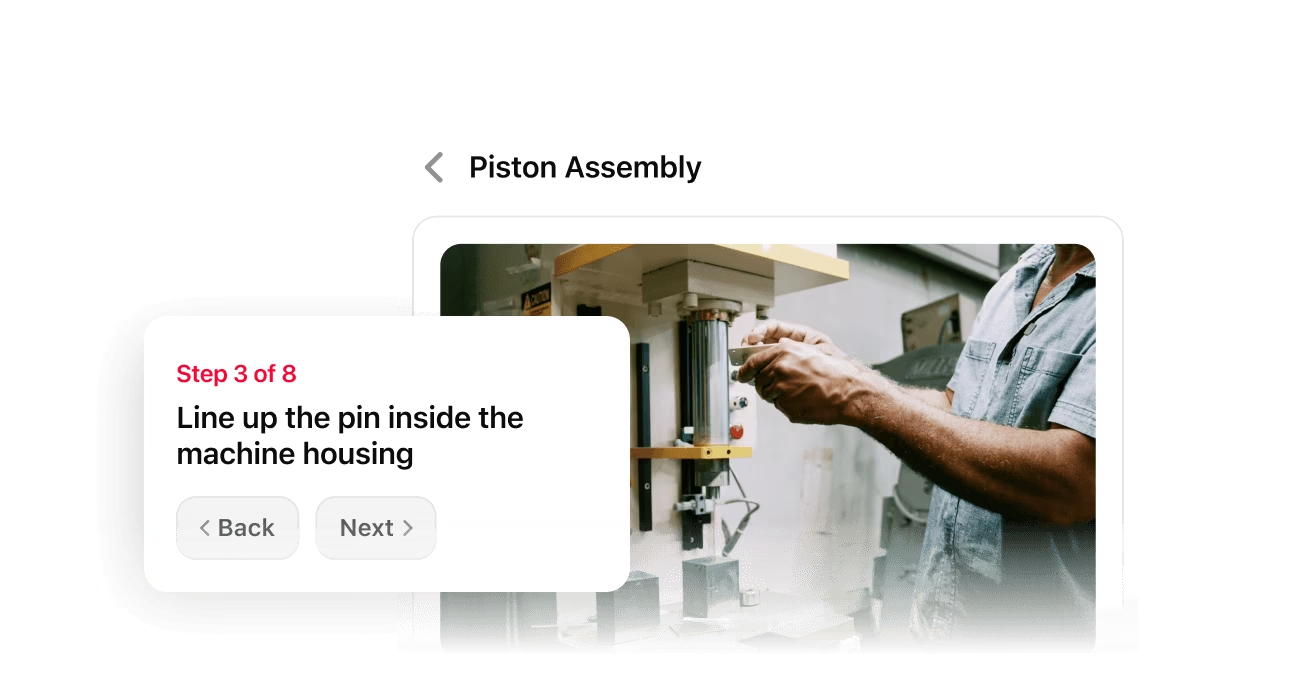
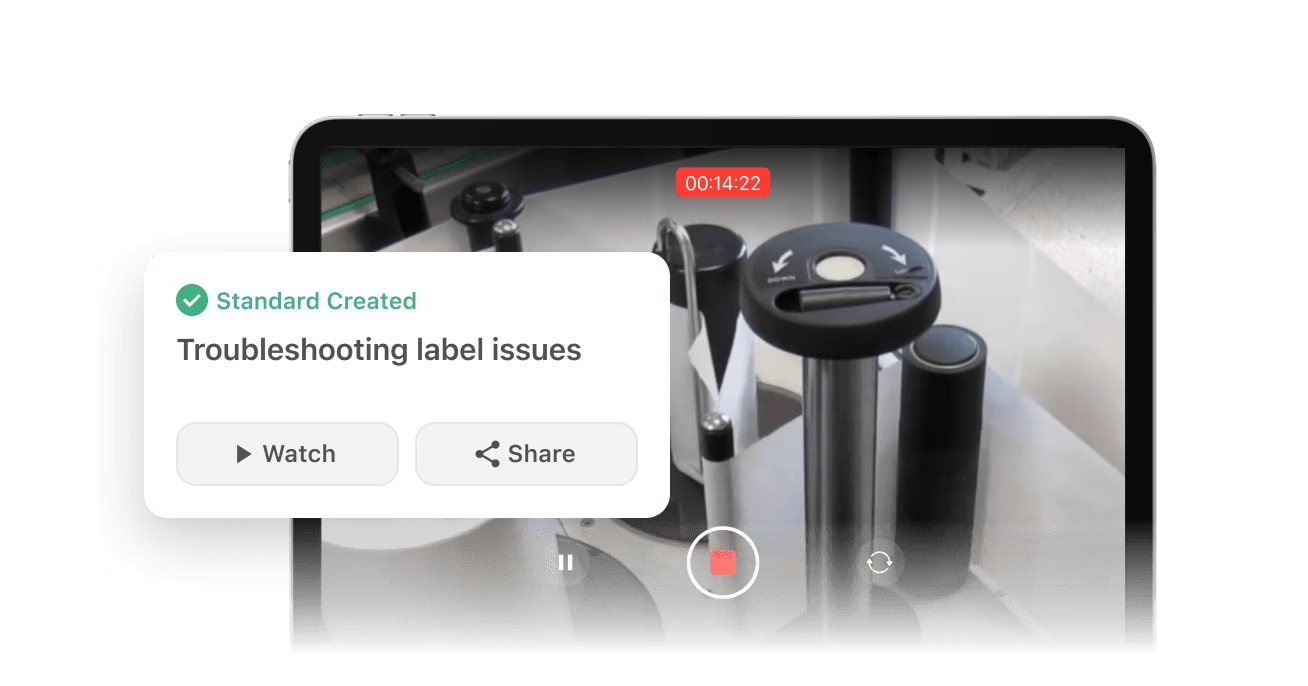
Redzone puts work instructions where the work happens, so every version stays current across every line.
Who It’s For
Built for the people who actually get the work done on the floor.
Quality leaders need instructions that stay current, not a document nobody reprints.
Operations leaders need knowledge captured from your best operators, not locked in their heads.
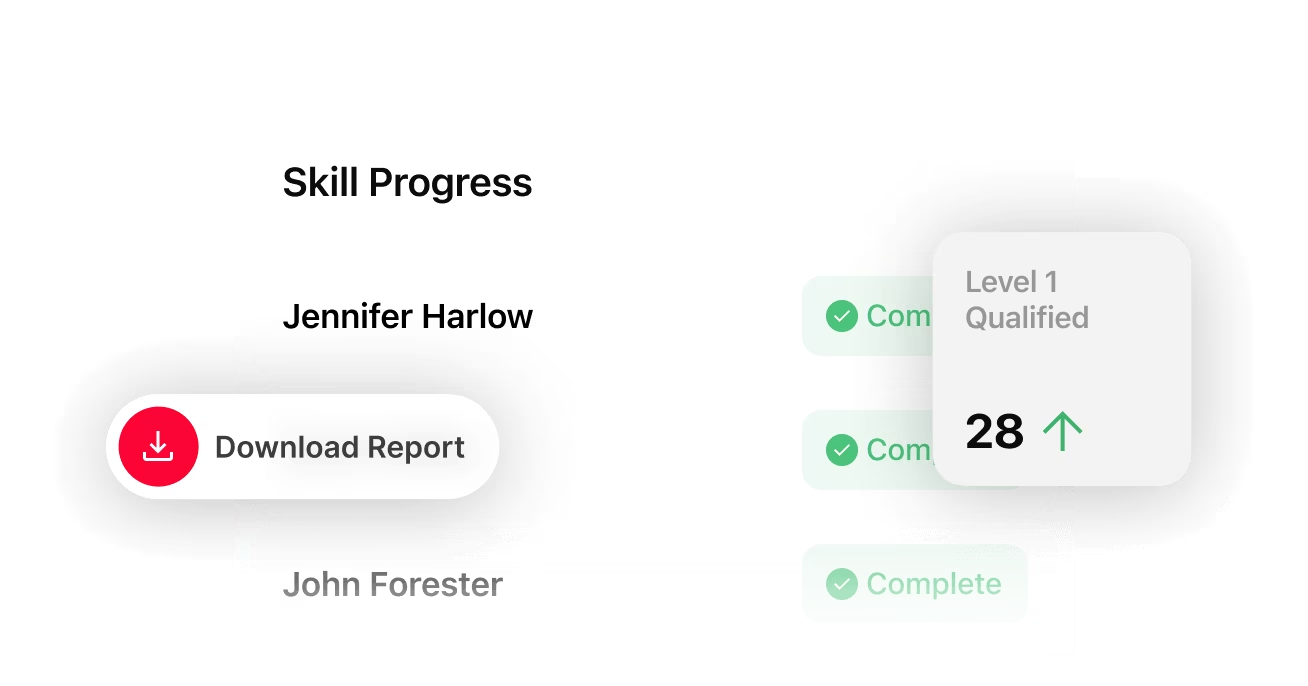
Training leaders need evidence of training, not paper sign-offs.
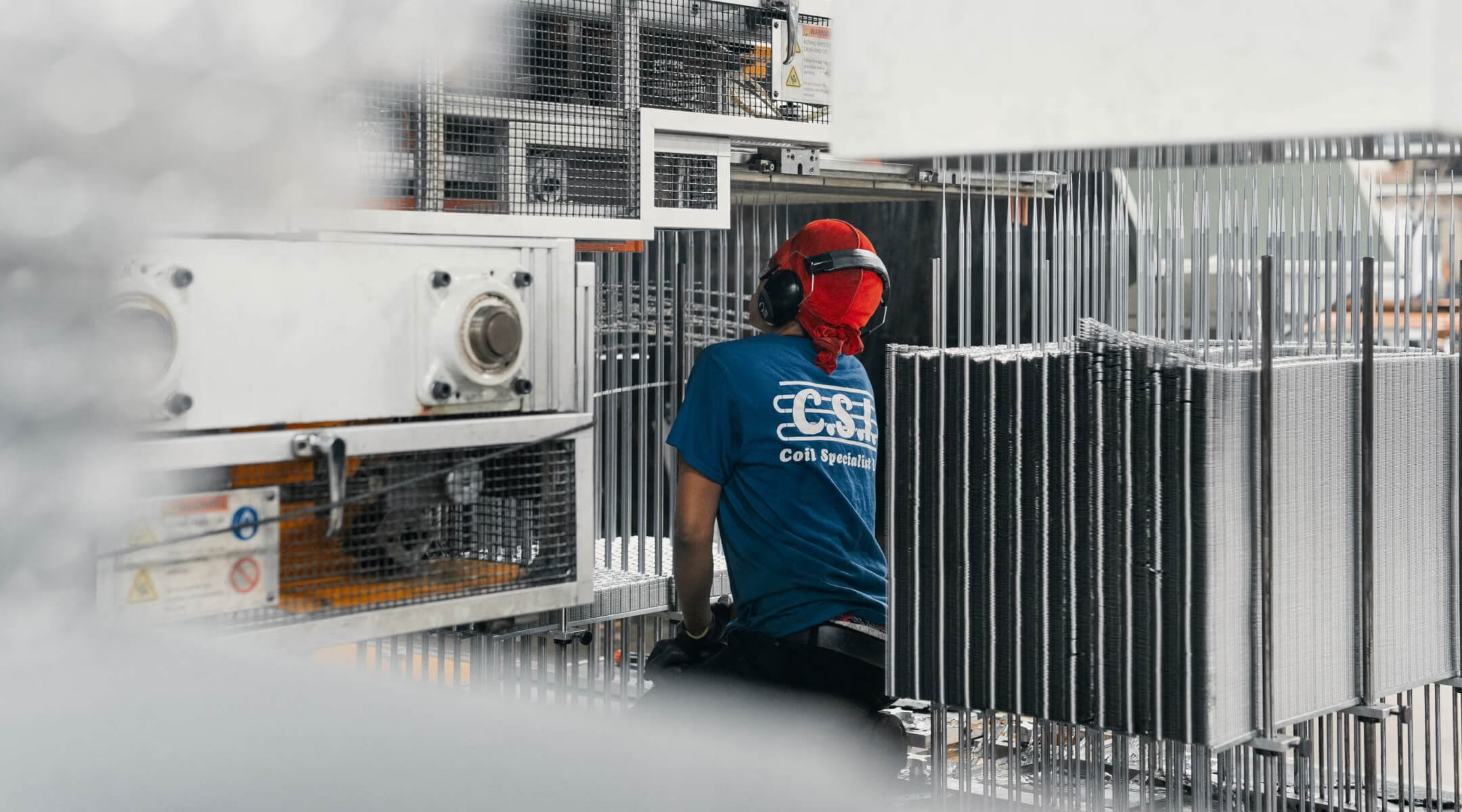
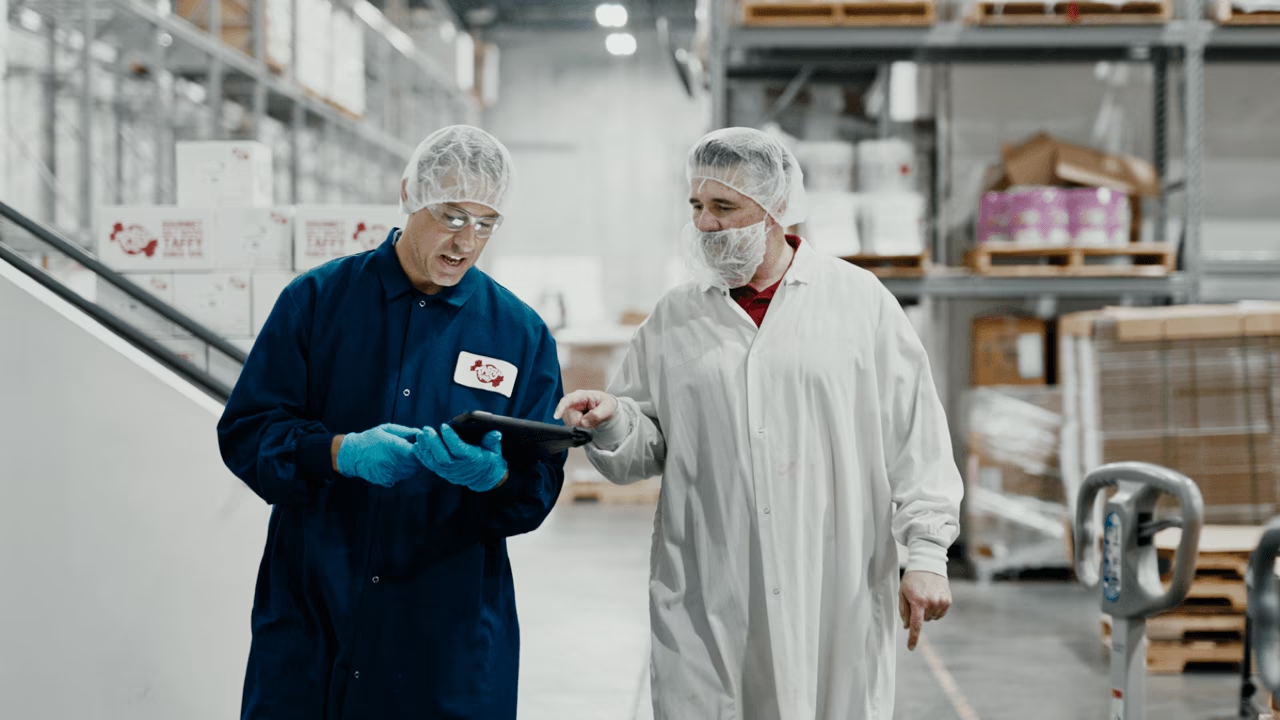
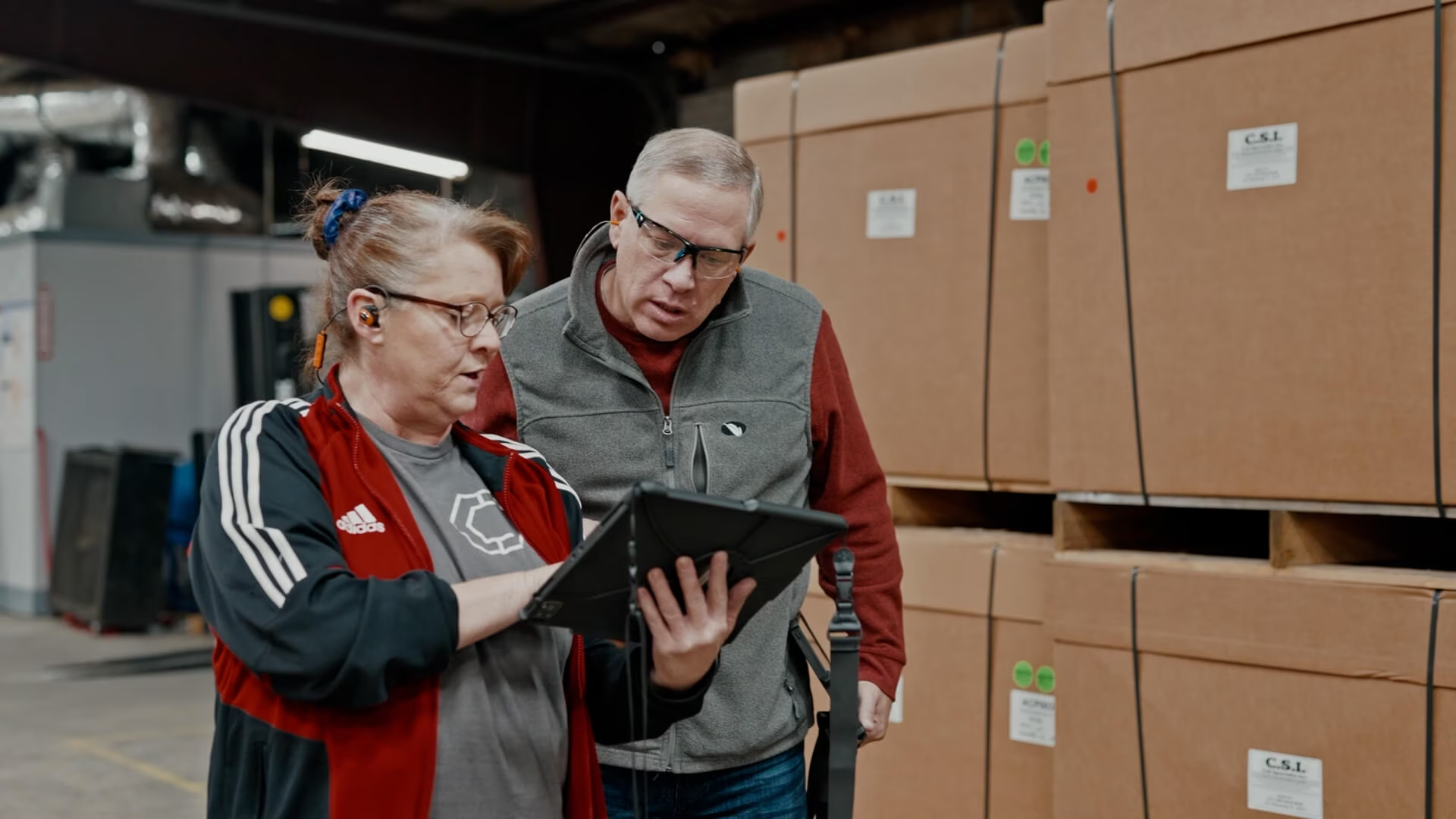
Redzone's intuitive interface means most operators start working from a digital instruction within a single shift, no formal training required.





.png)




.avif)
Frequently Asked Questions
Didn’t find what you need? View the full FAQ.
What are digital work instructions?
Digital work instructions are interactive, step-by-step guides that walk operators through a task on a phone or tablet at the workstation, replacing paper SOPs and static PDFs with a digital version that's always current.
What is the difference between a work instruction and an SOP?
A standard operating procedure (SOP) typically outlines an entire process at a high level, while a work instruction breaks one specific task within that process down into detailed, step-by-step guidance.
What is the purpose of work instructions?
Work instructions exist to make sure a task gets done the same correct way regardless of who's doing it or which shift they're on, cutting down on errors that come from guesswork or inconsistent training.
What's an example of a manufacturing work instruction?
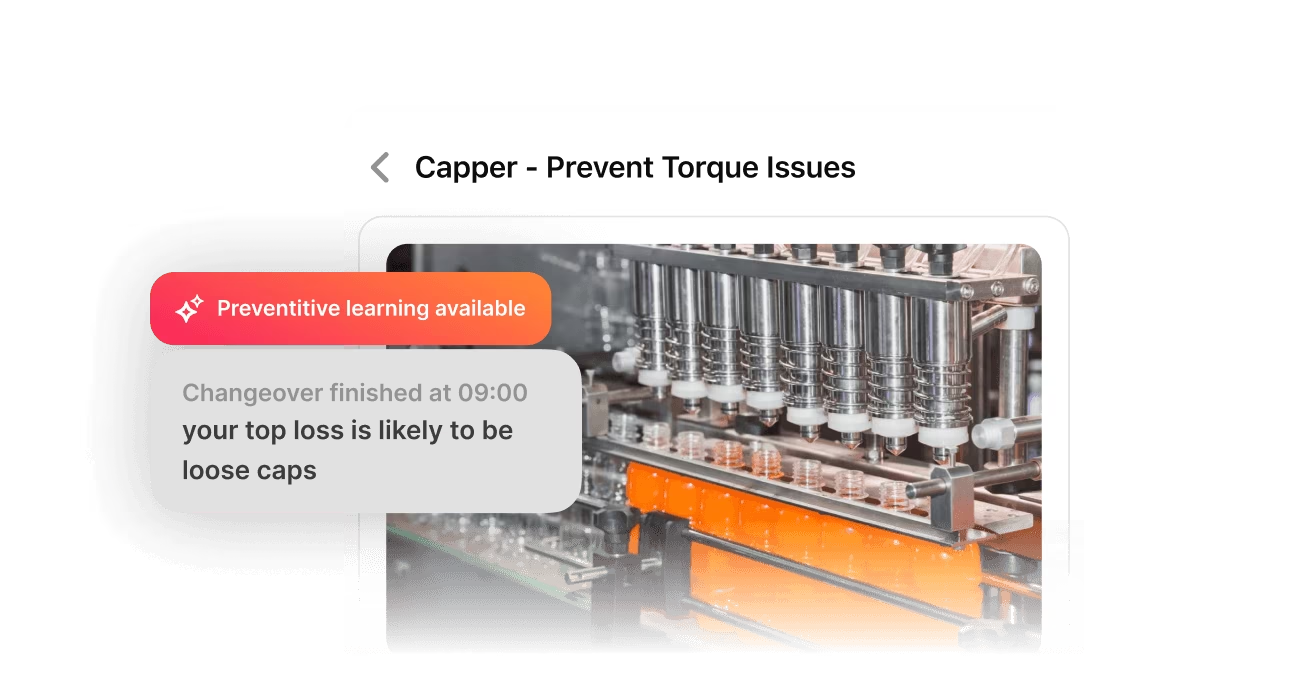
A common example is a changeover procedure that walks an operator through each step of switching a line from one product to another, often with photos or video showing the correct setup.
What should manufacturers look for in digital work instruction software?
Look for software that updates instructions everywhere at once, supports photos and video at the point of use, and logs completions automatically, so compliance doesn't depend on paper sign-offs.